Productivity
Gmail AI Organizer
- Organizes your expense emails automatically
- Saves your receipts and invoices to Google Drive
- Finds and labels important financial emails for you
- Keeps your records ready for bookkeeping and taxes
- Reduces the time you spend managing your inbox

Description
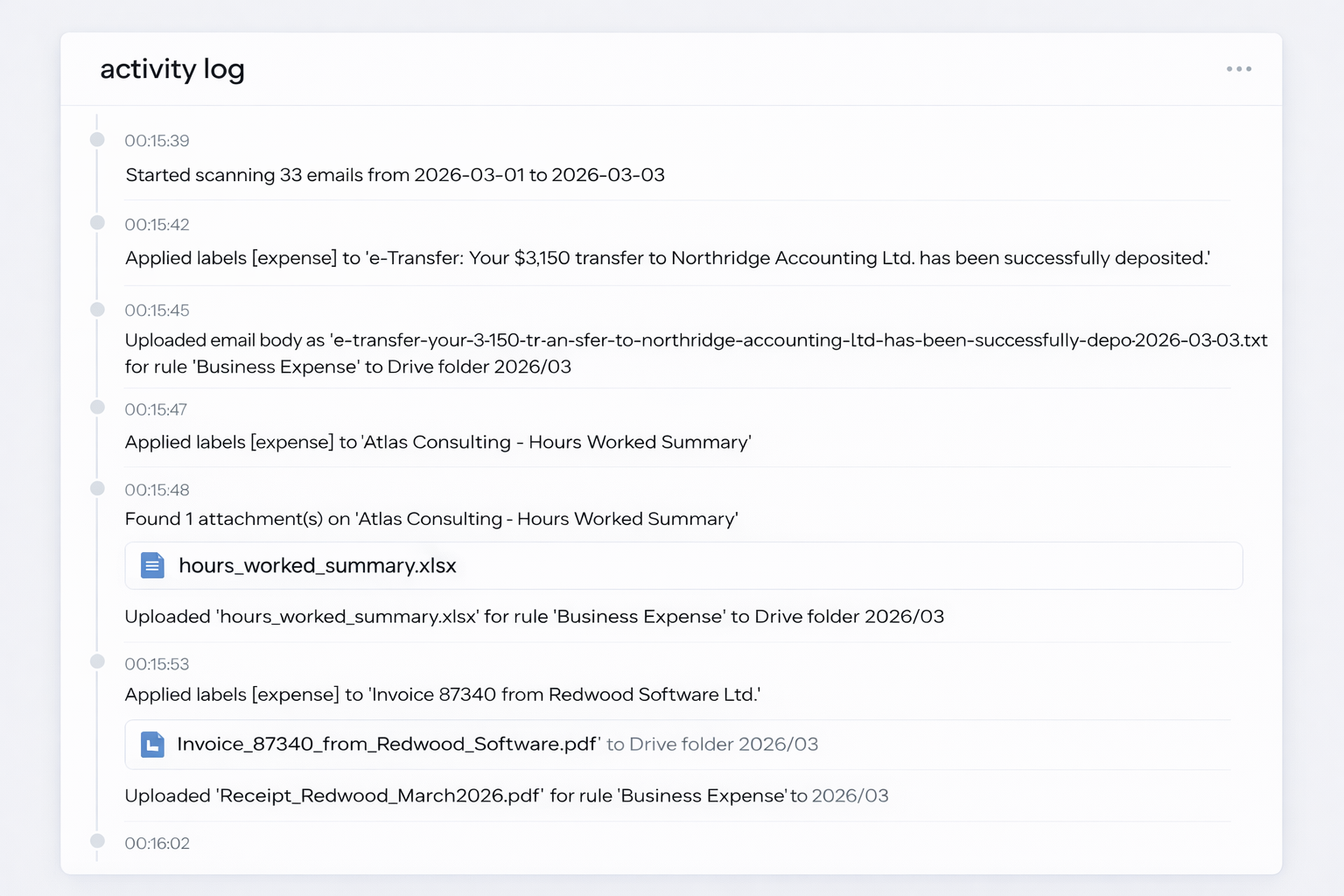
Managing receipts, invoices, and expense emails often becomes a manual and time-consuming task. This agent automatically scans your Gmail inbox, identifies emails related to business expenses, and organizes them for you. Instead of searching through messages or manually creating folders and labels, the system applies the correct labels and keeps everything structured as new emails arrive.
When the agent detects receipts or invoices, it automatically saves the attachments to a designated Google Drive folder. Your documents are stored in a consistent location without needing to download and file them yourself. This makes it easier to find supporting documentation when reviewing expenses, preparing bookkeeping records, or sharing files with your accountant.
By handling routine inbox organization and document storage automatically, the agent reduces administrative overhead and helps keep your financial records organized in the background. Your inbox stays cleaner, your expense records stay centralized, and the time normally spent managing receipts and invoices can be used for more productive work.